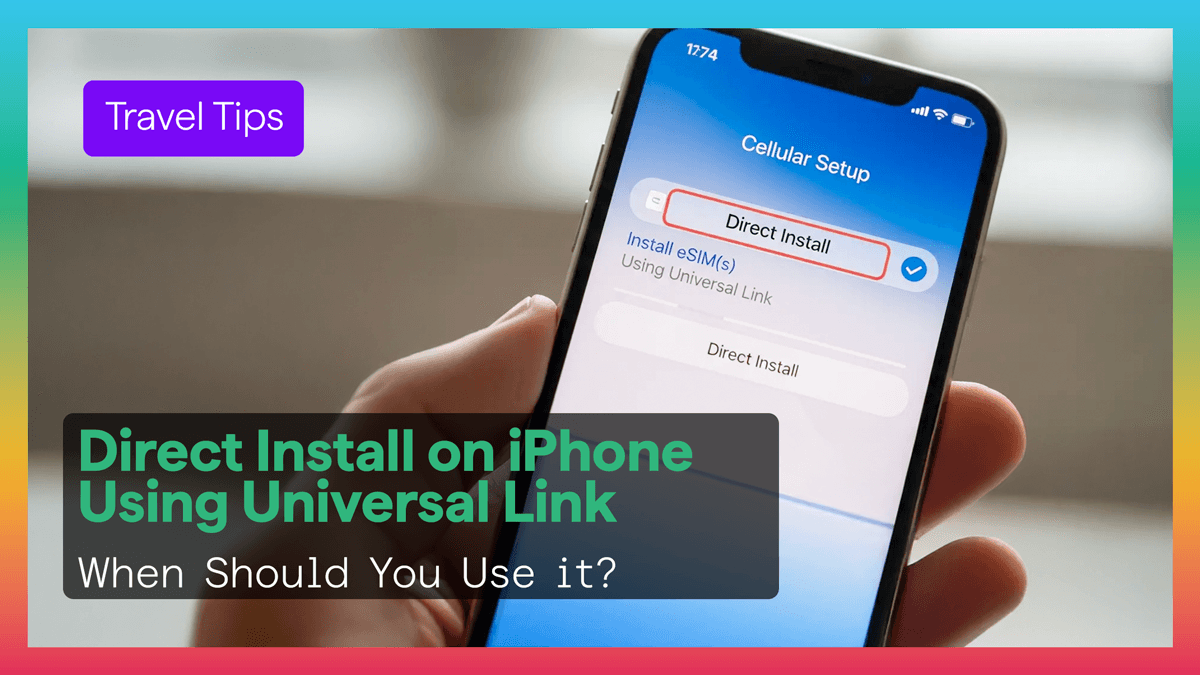
If your iPhone is running iOS 17.4 or newer, installing a Figabytes eSIM can be even easier.
Instead of scanning a QR code, many users can install using a direct Universal Link.
That means fewer steps and faster setup before travel.
Direct Install uses a secure Apple-supported link that opens the built-in Add eSIM flow on iPhone.
Instead of manual setup, you simply tap the link and follow the prompts.
Benefits include:
Direct Install generally works on:
Your phone should also be unlocked if using travel eSIM plans.
Follow these simple steps.
Connect your iPhone to Wi-Fi.
eSIM installation requires internet access.
Open the installation link sent with your Figabytes order.
This may be in:
Tap Continue when the Add eSIM screen appears.
Wait while your iPhone:
Choose Figabytes as your Mobile Data line.
Enable Data Roaming if your plan requires it while abroad.
Many travel plans begin when the eSIM connects to a supported network at your destination.
This means you can often install before departure and activate when you arrive.
Direct Install is useful because it saves time during busy travel moments.
Ideal for:
Try these steps:
If needed, QR code or manual setup may still be available.
Check the following:
Yes.
The process uses Apple built-in eSIM installation flow.
It cannot install random apps or unrelated software. It is only for adding the mobile plan profile.
This method is especially useful for:
Direct Install makes Figabytes eSIM setup on iPhone simpler than ever.
With one tap, travelers can prepare their phone before departure and connect faster after landing.
That means less setup stress and more time enjoying the trip.

