A Simpler Way to Stay Connected
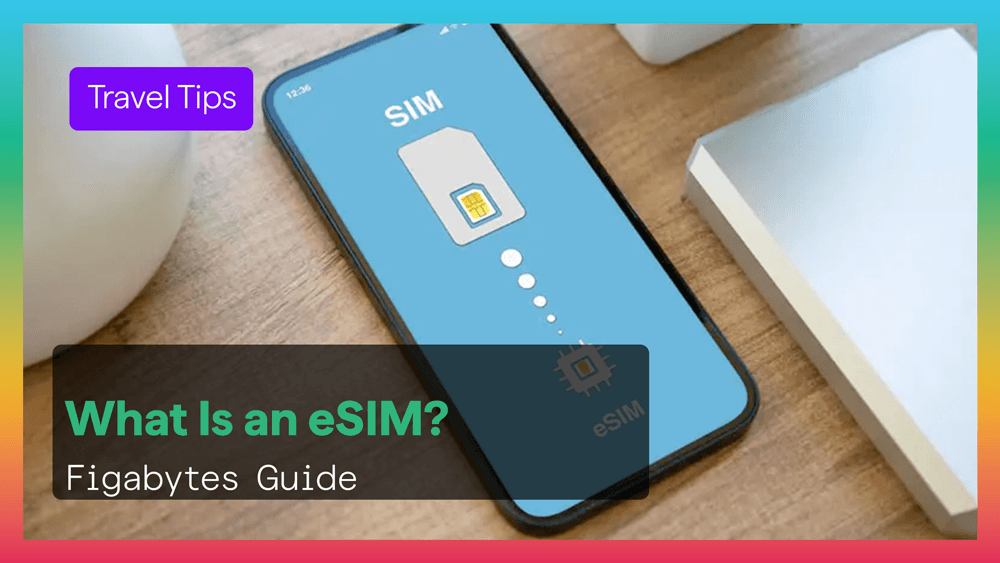
An eSIM is a digital SIM built into compatible smartphones, tablets, and other devices.
Instead of inserting a plastic SIM card, you install a mobile plan digitally. With Figabytes, this means you can activate travel data quickly using a QR code or installation link.
Explore eSIM plans.
What Exactly Is an eSIM?
eSIM stands for embedded SIM.
It is a secure chip already built inside your device that can store mobile network profiles digitally.
That means:
- No physical SIM card needed
- No store visits required
- Faster activation
- Easier switching between plans
With Figabytes, travelers can install an eSIM before a trip and connect after arrival.
How Does eSIM Work?
The process is simple.
- Your phone includes eSIM hardware
- Figabytes provides your plan digitally
- You install it through QR code or link
- Your device connects to a supported network
Once active, it works like a normal mobile line.
Why Do People Choose Figabytes eSIM?
Travelers often choose eSIM because it is faster and more convenient than traditional SIM cards.
Main benefits:
- Instant setup in minutes
- No plastic SIM handling
- Keep your home SIM active
- Easy plan switching
- Great for international travel
- Digital management through phone settings
Can You Use Two Lines on One Phone?
Yes.
Many modern devices support dual SIM use.
That means you can:
- Keep your regular number for calls and texts
- Use Figabytes eSIM for travel data
- Separate work and personal lines
- Stay reachable while abroad
Which Devices Support eSIM?
Many recent phones now support eSIM.
Common examples include:
- Newer iPhones
- Samsung Galaxy premium models
- Google Pixel devices
- Some Xiaomi and other Android phones
Your phone should also be unlocked for travel eSIM use.
How Do You Check If Your Phone Supports eSIM?
Look in device settings for:
- eSIM
- Add eSIM
- SIM Manager
- EID number
You can also search your exact model specifications.
How Do You Activate a Figabytes eSIM?
Setup is usually quick.
iPhone
Settings > Mobile Data > Add eSIM
Android
Settings > Network or SIM settings > Add eSIM
Then:
- Scan the QR code or use the install link
- Complete setup
- Choose Figabytes as your data line
- Enable roaming if required abroad
Does eSIM Need Wi-Fi?
Yes, usually only during installation.
You need internet access to download the profile.
After setup, the eSIM works like any normal mobile connection.
eSIM vs Physical SIM
eSIM
- Digital installation
- Fast setup
- Multiple stored profiles
- Better for travel
- No card swapping
Physical SIM
- Requires plastic card
- Manual swapping
- Easier to lose or damage
- Less convenient for multi-country travel
Is eSIM Secure?
Yes.
Because there is no removable card, eSIM can reduce some physical risks.
You still should protect your device with:
- Passcode
- Face ID or fingerprint
- Updated software
Who Benefits Most From eSIM?
eSIM is especially useful for:
- Frequent travelers
- Business travelers
- Digital nomads
- Students abroad
- Users needing two lines
Final Thoughts
eSIM is becoming the smarter way to stay connected.
With Figabytes, travelers can enjoy quick setup, flexible plans, and easier mobile data across the world.
If your phone supports eSIM, it may be one of the best travel upgrades you can make.
Explore your next destination.