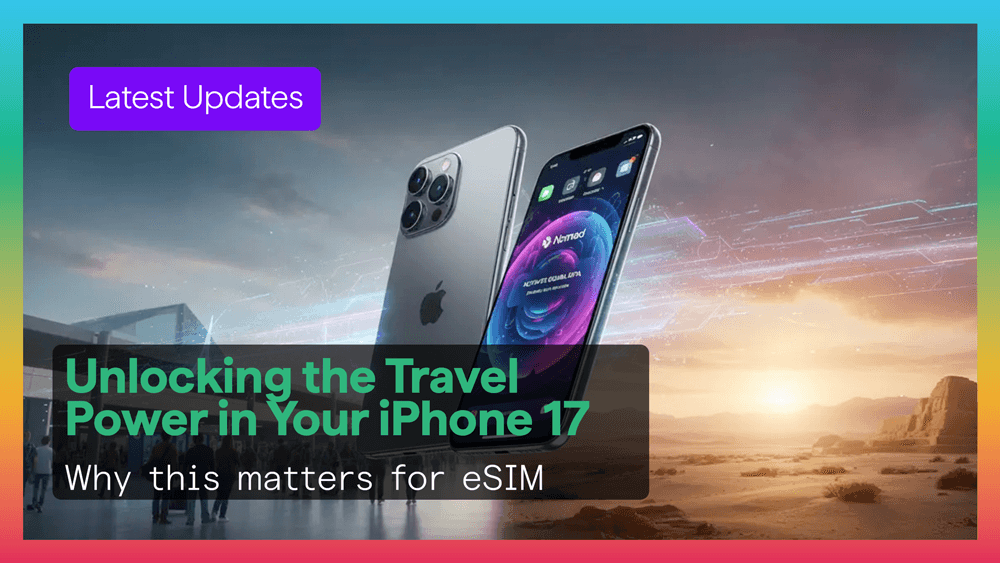
The iPhone 17 and iPhone Air continue Apple move toward a more digital and travel-friendly future. With stronger battery performance, improved connectivity, and wider eSIM support, these devices are built for modern travelers.
Pairing your device with a Figabytes eSIM can make international travel simpler, faster, and more affordable.
Apple latest devices are expected to bring several useful upgrades for travelers.
Certain versions may remove the physical SIM tray completely. This creates more internal space for battery, cooling, and hardware improvements.
Your iPhone can support two active lines, allowing you to use:
No card swapping and no losing access to your regular number.
With stronger battery life and improved radios, iPhone 17 is expected to deliver better performance while traveling.
Install your Figabytes eSIM before your trip.
When you arrive, simply enable the line and connect instantly without searching for airport SIM kiosks.
Keep your main number active while using Figabytes for mobile data.
This is ideal for travelers who still need calls, texts, or banking verification messages.
Instead of paying expensive roaming fees, choose a Figabytes country or regional plan with clear pricing.
An iPhone 17 paired with Figabytes becomes a travel-ready device for:
Follow these simple steps:
Traveling through Europe, Asia, or the Middle East?
Choose a Figabytes regional plan so you do not need a new eSIM for each country.
Use hotspot mode to connect your laptop or tablet while on the move.
Set up your Figabytes eSIM over Wi-Fi before departure so you land ready to connect.
Use labels such as:
This helps avoid confusion and accidental roaming charges.
The iPhone 17 is more than a smartphone. It is becoming a true travel hub.
With one device and two lines, you can keep your home number while using travel data wherever you go.
No roaming stress. No SIM tray hassle. No airport queues.
If you travel often, pairing your iPhone 17 with a Figabytes eSIM is one of the smartest upgrades you can make.
You get flexibility, better value, and instant connectivity in one simple setup.

