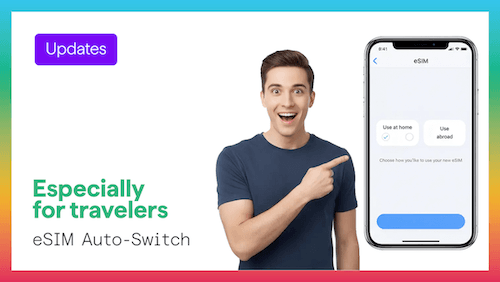
Apple's iOS 26 update introduces smarter eSIM controls for iPhone users. One of the most practical improvements is better automatic switching between mobile lines, helping travelers use a home SIM and travel eSIM with less manual effort.
For users of Figabytes, this means smoother travel connectivity, faster access to mobile data abroad, and fewer chances of accidental roaming charges.
Auto-switching helps your iPhone manage available SIM lines more intelligently based on your preferences, signal strength, and usage needs.
This can help with:
Instead of changing settings repeatedly, the iPhone handles more of the process for you.
Many travelers forget to disable home mobile data when they arrive overseas.
With improved controls in iOS 26, it is easier to keep:
This can help avoid unexpected roaming bills.
When you arrive, your iPhone can reconnect faster to the correct line so you can immediately use:
If you are visiting several countries, switching between supported travel plans becomes easier.
This is especially useful for regional Figabytes plans covering Europe, GCC, or Asia.
Figabytes is designed for digital-first travel.
Benefits include:
Use simple labels for your lines:
This makes switching easier during the trip.
iOS 26 makes eSIM travel usage more practical and user-friendly. With smarter switching and easier controls, your iPhone becomes a better travel companion.
Pair it with Figabytes and enjoy fast, reliable mobile data wherever you go.
Choose your destination, install your eSIM in minutes, and travel with confidence.

