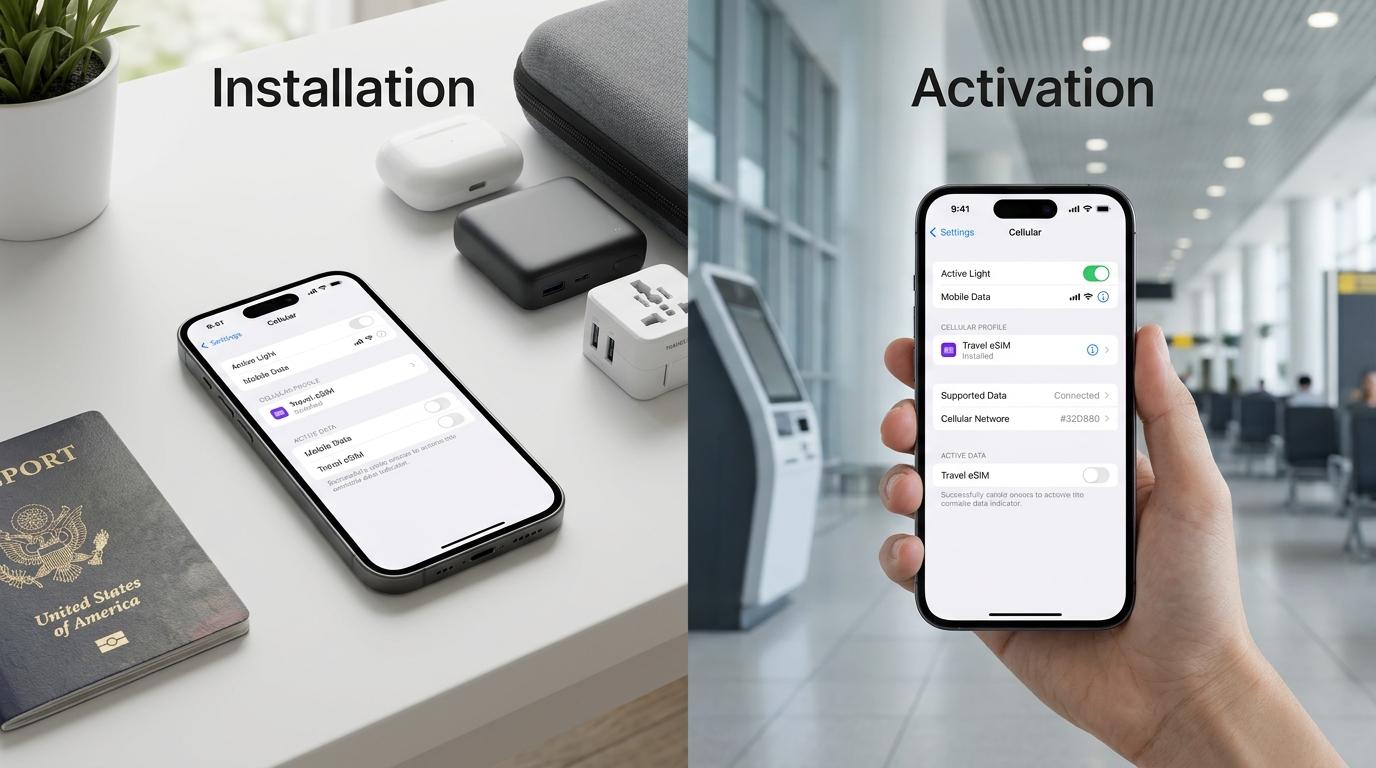
You've purchased a travel eSIM for your upcoming trip. Now you're wondering whether you should install it immediately or wait until you arrive at your destination.
It's a common question, especially if you're traveling in a few days or weeks and don't want your mobile data plan to start too early.
Installing an eSIM does not always activate the plan or start its validity period.
For many travel eSIMs, installation simply adds the digital SIM profile to your smartphone. The plan may activate when it first connects to a supported network at your destination.
However, some plans activate upon installation, purchase, or another specified event.
The important thing is to understand your plan's activation policy before installing it.
This guide explains the difference between eSIM installation and activation, when travel eSIM validity begins, and how to prepare your Figabytes eSIM before traveling.
Not necessarily. Installing an eSIM and activating its data plan can be two different events.
There are three important stages:
Some travel eSIMs begin their validity period when they first connect to a supported network.
Others begin at installation, purchase, or a specified activation time.
Always check the activation conditions shown for your Figabytes plan.
Installing an eSIM means adding a digital SIM profile to a compatible smartphone.
Unlike a physical SIM card, an eSIM does not need to be inserted into your device.
Instead, the installation process downloads the subscription information required for your phone to recognize the eSIM.
Depending on your device and plan, installation may involve:
After installation, your smartphone should display the new eSIM in its cellular or SIM settings.
However, seeing the eSIM in your settings does not necessarily mean that the data plan's validity period has started.
Imagine you're traveling from Dubai to Japan next week.
You purchase a Figabytes travel eSIM for Japan and install it on your phone while you're still at home.
Your phone now recognizes the travel eSIM.
However, whether its validity period has started depends on the activation policy of that particular plan.
If the plan activates upon first connection to a supported Japanese network, installation alone would not start that network-triggered validity period.
If the plan activates upon installation, the validity period could begin before your departure.
This is why checking the plan's activation conditions is essential.
Activation is the process by which an eSIM subscription becomes usable under the provider's service rules.
For travel eSIMs, activation can also determine when the plan's validity period begins.
However, activation does not follow one universal rule.
Different plans can use different activation triggers.
Some plans begin their validity period when the eSIM is installed or provisioned.
If your plan follows this policy, installing it early may reduce the time available during your trip.
Some travel eSIMs activate when they first connect to a supported mobile network.
For a destination-specific plan, this may happen after you arrive in the covered country.
Some plans start their validity period when the purchase is completed or the subscription is issued.
For these plans, waiting to install the eSIM may not delay the validity period.
Some services may use a scheduled activation date or another defined starting condition.
The exact rules depend on the plan.
Important: Do not assume that every travel eSIM activates on arrival. Check the activation policy for the specific plan you purchase.
These three terms are related, but they are not interchangeable.
| Stage | What Happens | Does It Start Plan Validity? |
|---|---|---|
| Purchase | You obtain an eSIM plan | Depends on the plan |
| Installation | The eSIM profile is added to your phone | Sometimes |
| Activation | The plan becomes active under its service rules | Usually determines or reflects the validity start |
| Network connection | Your phone connects to a supported network | May trigger activation |
| Data usage | Your phone uses the available mobile data | Uses the plan's allowance |
Understanding these stages helps you avoid installing or activating a plan earlier than intended.
For many travelers, installing a travel eSIM before departure is convenient.
It allows you to prepare your smartphone while you have reliable internet access.
However, the best installation time depends on the plan's activation conditions.
If your plan's validity starts upon first connection to a supported destination network, installing before departure may be appropriate.
Benefits include:
If your plan activates upon installation, consider installing it closer to the time you need service.
If validity starts upon purchase, review the purchase timing instead.
Always follow the instructions supplied with your specific eSIM.
Yes, on many compatible smartphones.
You can install an eSIM profile and keep it disabled until you're ready to use it.
However, disabling the line does not necessarily pause or delay the plan's validity period.
For example, if your plan activates upon installation, turning off the eSIM afterward may not stop the validity countdown.
Similarly, if your plan activates upon purchase, keeping the eSIM disabled does not necessarily preserve its full validity.
The activation policy, not simply the phone's enabled or disabled setting, determines when validity begins.
Before starting, confirm that your iPhone supports eSIM and is carrier-unlocked.
Connect to a reliable Wi-Fi network.
Go to:
Settings > Cellular
Depending on your region, the menu may be labeled Mobile Data or Mobile Service.
Tap Add eSIM.
Depending on your plan and device, you may be able to:
Follow the instructions supplied with your Figabytes plan.
Wait for the eSIM profile to appear in your cellular settings.
Give the subscription a recognizable name, such as Travel.
Before enabling the line or connecting to a network, confirm when your plan's validity begins.
When you are ready to use the travel eSIM:
Some plans activate automatically when the required conditions are met.
Compatible Samsung Galaxy smartphones support eSIM installation through SIM Manager.
Go to:
Settings > Connections > SIM Manager
Tap Add eSIM.
Follow the supported QR code, manual activation, or other installation method provided with your plan.
Check that the new eSIM appears in SIM Manager.
Determine whether validity starts upon installation, purchase, or first network connection.
When ready to use the plan:
Menu names vary by Galaxy model, region, and software version.
Compatible Google Pixel smartphones also support eSIM installation.
Go to:
Settings > Network & Internet > SIMs
Choose the option to add or download an eSIM.
Scan the provided QR code or use another supported installation method.
Check your list of mobile subscriptions.
Confirm when your plan's validity begins.
When ready:
Exact settings vary by device and Android version.
Some travel eSIMs activate automatically when your phone connects to a supported network at your destination.
However, this depends on the plan.
For a first-connection activation plan, the process may look like this:
You may still need to select the travel eSIM as your preferred mobile data line and enable Data Roaming if required.
Some plans have activation conditions unrelated to arrival.
Always verify the specific policy.
Not always.
Enabling an eSIM on your smartphone allows the device to attempt to use that subscription.
However, whether this starts the plan's validity depends on the provider's activation rules.
For example:
Turning an eSIM on or off is not necessarily the same as starting or pausing its validity period.
Data Roaming is a smartphone setting that permits a mobile subscription to use supported roaming networks.
Many travel eSIMs require this setting because they connect through partner networks.
However, enabling Data Roaming does not universally activate a plan.
Activation depends on the plan's conditions.
For example, a first-network-connection plan may activate when your enabled eSIM successfully registers on a supported network.
Data Roaming may be one of the settings required for connectivity, but it is not necessarily the activation trigger itself.
Yes.
An eSIM can activate before arrival if its activation policy allows or requires it.
Examples include plans that activate:
For multi-country plans, the first eligible network connection may occur in a transit country.
This means a regional or global eSIM could begin its validity period before you reach your final destination if that transit country is included and the plan uses first-connection activation.
Review your itinerary and activation conditions before enabling your travel eSIM.
The outcome depends on the plan.
Installing early may cause some of the plan's validity period to pass before your trip begins.
The plan may already be active regardless of when you install it.
Installing early may not affect the validity period, provided the activation conditions have not been met.
Some eSIM plans may need to be installed or activated within a specified period after purchase.
Missing that deadline could affect usability.
Always review the plan's conditions rather than assuming installation can be delayed indefinitely.
You can review your eSIM information through your Figabytes account.
Go to figabytes.com.
Access your account using your registered credentials.
Navigate to your account profile.
Find the eSIM associated with your trip.
Check the displayed plan details, including available status, validity, or consumption information where provided.
You can also review your smartphone's SIM settings to see whether the eSIM is installed, enabled, and connected.
Remember that an eSIM appearing as enabled on your phone does not necessarily confirm the start of its validity period.
If your eSIM appears in your phone's settings but mobile data is unavailable, several issues may be responsible.
A destination-specific travel eSIM may not connect outside its supported coverage area.
Check your phone's cellular or SIM settings.
Select your travel eSIM as the preferred mobile data subscription.
Some travel eSIMs require Data Roaming to be enabled.
Follow your plan instructions.
Check whether activation requires a supported network connection or another event.
Review the plan's validity period.
Check the available consumption information in your account.
Automatic network selection usually works best.
If your plan provides specific network instructions, follow them.
Some plans require a specific Access Point Name.
Only change APN settings when instructed by your provider.
A carrier-locked smartphone may reject an eSIM from another provider.
If the problem continues, contact Figabytes support before deleting the eSIM.
Generally, no.
Deleting an eSIM is not a recommended first troubleshooting step.
Some eSIM profiles cannot be reinstalled using the original activation details.
If your eSIM is installed but not connecting:
Only delete an eSIM when you understand the consequences or have been instructed to do so.
Some Figabytes eSIMs support reusable installation.
With an eligible reusable eSIM, you may be able to keep the installed profile and use it with supported future plans.
However, reusing an installed eSIM profile is different from reactivating an expired data allowance.
A reusable eSIM does not mean:
Check the specific reusable eSIM conditions before relying on the existing installation.
To prepare your travel connectivity:
These steps can help reduce setup problems and unexpected activation timing.
Not always. Some plans activate upon installation, while others activate upon purchase, first supported network connection, or another specified event.
Often, yes. However, you should check whether installation starts the plan's validity period.
Some travel eSIMs activate when they first connect to a supported network at your destination. Others use different activation rules.
Yes, on many compatible devices. However, turning off the eSIM does not necessarily pause or delay plan validity.
Not necessarily. Data Roaming permits supported network access, but the plan's activation rules determine when it becomes active.
Installation commonly requires an internet connection. Activation and mobile network connectivity depend on the plan and device. A previously installed travel eSIM may connect to a supported cellular network without Wi-Fi.
It may. Some plans have validity periods or activation deadlines that apply even without data usage.
That depends on the plan's supported destinations and activation conditions. A regional or global plan may activate in any eligible covered country.
Not always. Reinstallation depends on the provider and profile restrictions. Do not delete your eSIM without checking.
Yes, on compatible Dual SIM devices. Your home SIM can remain installed while your travel eSIM is prepared or used.
Review the activation and validity information provided with your specific plan and the available details in your Figabytes account.
Downloading an eSIM profile requires an internet connection, but that installation process does not necessarily consume data from the travel eSIM plan itself.
Installing an eSIM and activating a travel data plan are related, but they are not always the same thing.
Installation adds the digital SIM profile to your smartphone.
Activation determines when the plan becomes active according to its specific conditions.
For some travel eSIMs, validity begins upon first connection to a supported network. For others, it may begin at purchase, installation, or another specified time.
Before traveling, check your plan's activation policy, prepare your smartphone, and follow the correct installation instructions.
Figabytes offers travel eSIM options for supported destinations, helping you prepare your mobile connectivity before your journey.
Explore Figabytes travel eSIM plans
Activation policies, validity periods, device settings, and network requirements vary by plan and provider.

