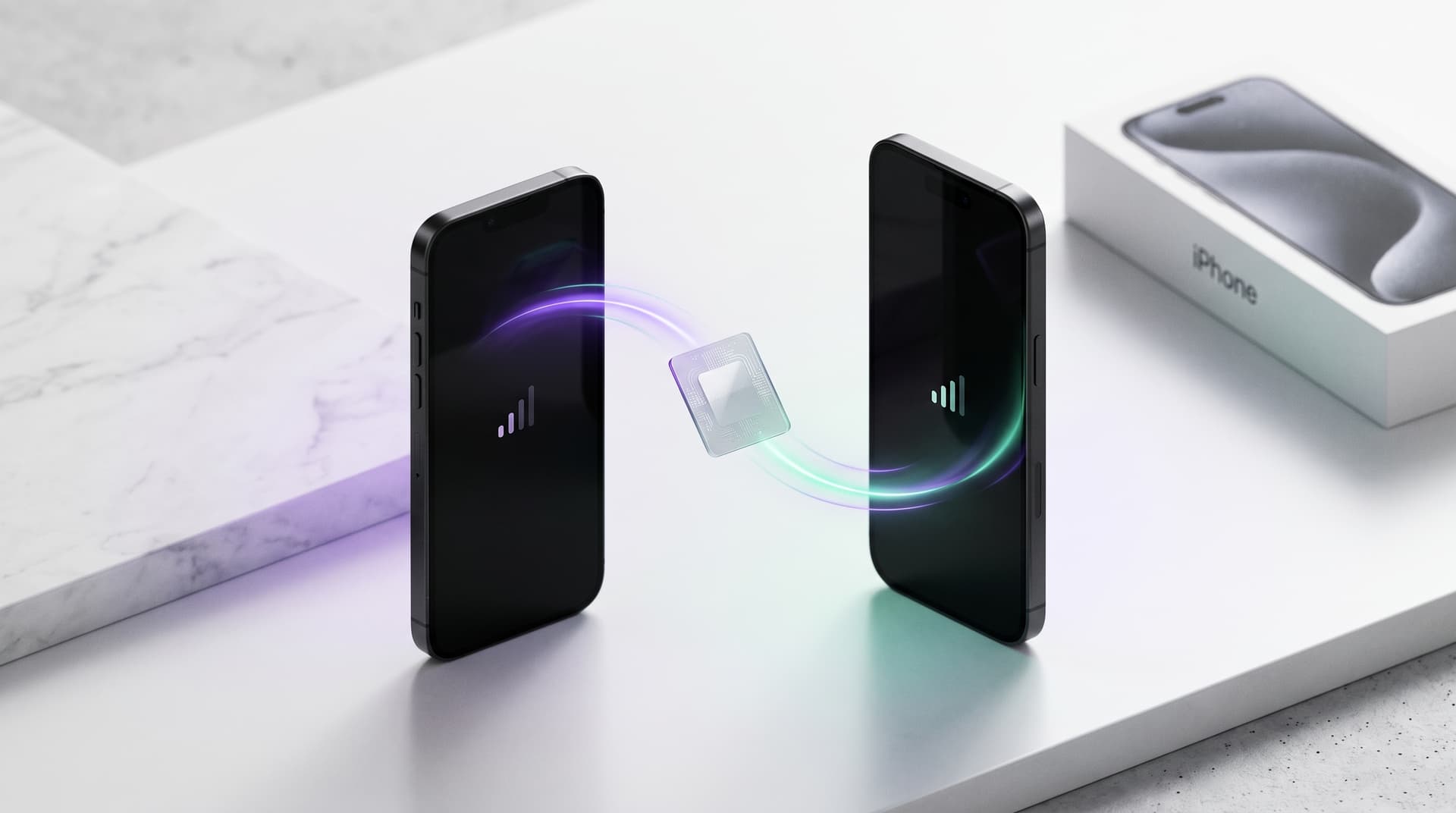
Buying a new phone used to mean taking the SIM card out of the old device and inserting it into the new one. With an eSIM, there is nothing physical to move.
That can make switching phones seem more complicated than it actually is.
Depending on your phone, mobile carrier and eSIM provider, you may be able to transfer the eSIM directly, reinstall it on the new device, or activate a replacement profile.
The important part is knowing which process your eSIM supports before deleting anything from your old phone.
Yes, an eSIM can sometimes be moved to a new phone, but not every eSIM is transferable.
Some carriers support direct device-to-device eSIM transfer. Others require you to download or reinstall the eSIM on your new phone. Some travel eSIMs are single-installation profiles and cannot be moved after installation.
Eligible Figabytes eSIMs can support reinstallation on another compatible device when their status shows Reinstall. The eSIM can only be installed on one device at a time, and reinstalling it does not reset its remaining data, validity or expiration date.
An eSIM is a digital SIM profile stored on your device.
When you replace your phone, your photos, apps and other data may transfer automatically, but that does not necessarily mean your eSIM profile will move with them.
Your eSIM may follow one of several paths:
| eSIM type | What may happen when switching phones |
|---|---|
| Carrier eSIM with device transfer | May transfer directly during phone setup |
| Reinstallable eSIM | Can potentially be removed and installed on another compatible device |
| Carrier-managed eSIM | Carrier may need to activate the service on the new phone |
| Single-installation eSIM | May not be transferable after installation |
| Expired or deactivated eSIM | Usually cannot be moved or reused |
The exact behavior depends on the provider, carrier and device.
That is why you should check your eSIM's transfer or reinstallation policy before deleting it from your current phone.
Although they sound similar, transferring and reinstalling an eSIM are not necessarily the same process.
An eSIM transfer moves cellular service from one device to another using functionality supported by the device manufacturer and participating mobile carrier.
For example, supported iPhones and participating carriers may offer eSIM Quick Transfer, allowing an eligible cellular plan to move from an old iPhone to a new one.
Once the cellular plan is activated on the new device, it is no longer active on the previous device.
Reinstallation works differently.
Instead of relying on the phone's built-in transfer system, the eSIM provider allows an eligible profile to be installed again on another compatible device.
This is how eligible reusable Figabytes eSIMs can support phone switching.
For an eligible Figabytes eSIM, yes.
Figabytes supports reusable installation for eligible eSIM profiles.
If your eSIM shows Reinstall status, it can be installed again on another compatible device.
This can be useful when you:
However, reinstallation does not duplicate the eSIM.
A reusable Figabytes eSIM can only be installed on one device at a time.
The reusable eSIM remains associated with the Figabytes account that originally purchased it.
When an eligible eSIM becomes available for reinstallation, it can be installed on another compatible device.
The original account owner continues to manage and monitor the eSIM through their Figabytes account.
Most importantly, reinstalling the eSIM does not create a new plan.
Your existing:
continue according to the original plan.
For example, if you have 4 GB remaining when you switch phones, reinstalling the eSIM on your new device does not restore the original data allowance.
The status displayed for your eSIM is particularly important when changing devices.
| Status | What it means |
|---|---|
| Installed | The eSIM is currently installed |
| Reinstall | The eligible eSIM can be installed again on a compatible device |
| Deactivated | The eSIM has been deactivated and cannot be reinstalled |
Not every Figabytes eSIM is necessarily reusable.
Always check the status of the individual eSIM before attempting to install it on another phone.
For an eligible reusable eSIM, yes.
An eSIM showing Reinstall status can be installed on another compatible device, including a device belonging to a family member, friend, colleague or travel companion.
There are two important limitations.
First, the eSIM can only be installed on one device at a time.
Second, the eSIM remains associated with the original Figabytes account. The account owner can continue monitoring the eSIM and its data consumption.
This means installing an eligible eSIM on another person's device is different from transferring ownership of the eSIM.
No.
Reinstalling an eligible Figabytes eSIM does not reset its existing plan.
If you had 5 GB remaining before changing phones, you do not receive a new data allowance after reinstalling it.
The same principle applies to validity.
If a 30-day plan has already been active for 10 days, reinstalling it on another device does not restart the 30-day validity period.
The original validity and expiration continue to apply.
Some cellular plans can be transferred directly between compatible iPhones.
Apple supports eSIM Quick Transfer with participating carriers. This can allow an eligible cellular plan to move from a previous iPhone to a new iPhone without requiring a physical SIM card.
However, support depends on the carrier and cellular plan.
A phone manufacturer's built-in transfer functionality should also not be confused with a travel eSIM provider's reinstallation policy.
If your travel eSIM cannot be transferred through the iPhone's built-in process, check whether your provider allows the eSIM to be reinstalled instead.
Some Android phones also support eSIM transfer.
The exact process varies depending on the phone manufacturer, Android version, carrier and eSIM provider.
For example, compatible Google Pixel devices can support SIM transfer during device setup or through SIM settings when supported by the carrier.
Other Android manufacturers may handle eSIM migration differently.
If your travel eSIM is not recognized by the phone's built-in transfer system, check the travel eSIM provider's reinstallation policy before deleting the profile.
Cross-platform eSIM transfers are becoming more widely supported, but they still depend on the devices and carrier.
In some situations, a cellular plan can be moved between compatible iPhone and Android devices.
In others, you may need to activate the service again through the carrier or reinstall the eSIM through the provider.
For travel eSIMs, the provider's own reinstallation policy remains particularly important.
Before deleting your eSIM or erasing your old phone, check:
This is especially important when changing phones while traveling.
Losing your working cellular connection before confirming that the new phone is connected can make troubleshooting much more difficult.
Deleting an eSIM does not have the same outcome with every provider.
Some eSIM profiles can be downloaded or installed again.
Others are intended for a single installation and may require a replacement after deletion.
For Figabytes, check the eSIM status in your account.
If an eligible eSIM shows Reinstall, it can be installed again on a compatible device.
If the eSIM shows Deactivated, it cannot be reinstalled.
eSIM technology makes the SIM digital, but the provider still controls how the profile can be provisioned and reused.
The mobile carrier or travel eSIM provider can determine whether a profile:
Device manufacturers also provide their own transfer mechanisms.
This means two eSIMs installed on the same phone may behave very differently when you switch devices.
A physical SIM has an obvious advantage when changing compatible phones: you can physically remove the card and insert it into another device.
An eSIM removes that physical step but introduces digital transfer and provider-specific reinstallation rules.
| When changing phones | Physical SIM | eSIM |
|---|---|---|
| Physical card required | Yes | No |
| Physically move between phones | Yes | No |
| Digital device-to-device transfer | No | Sometimes |
| Provider may need to reactivate | Sometimes | Sometimes |
| Reinstallation may be possible | Not applicable | Depends on provider |
| Remote activation possible | Limited | Yes |
Neither method guarantees that cellular service will automatically work on every new phone.
Device compatibility, carrier restrictions and provider policies still matter.
One of the early concerns around eSIM technology was that a digital SIM could feel more permanently attached to a particular device than a removable SIM card.
That distinction is becoming less clear.
Modern smartphones increasingly include mechanisms for transferring eligible eSIM plans between devices, while some eSIM providers allow eligible profiles to be reinstalled.
For travelers, this changes an important part of the eSIM experience.
The useful life of an eligible eSIM does not necessarily have to end when you change your phone.
Sometimes. It depends on your device, mobile carrier and eSIM provider. Some eSIMs support direct device-to-device transfer, while others need to be reinstalled or activated again.
Not necessarily. Your apps, photos and other personal data may transfer without the eSIM moving with them. Check whether your carrier and devices support eSIM transfer.
Eligible Figabytes eSIMs showing Reinstall status can be installed again on another compatible device. The eSIM can only be installed on one device at a time.
Not at the same time. An eligible eSIM can be reinstalled on another compatible device, but it can only be installed on one device at a time.
No. Reinstalling the eSIM does not reset its remaining data, validity period or expiration date.
An eligible eSIM showing Reinstall status can be installed on another compatible device, including another person's phone. The eSIM remains associated with the original Figabytes account.
Do not delete it until you understand your provider's transfer or reinstallation process. Some eSIM profiles cannot be downloaded again after deletion.
It may be possible with supported devices and carriers. Otherwise, you may need to reactivate or reinstall the eSIM depending on your provider.
Transferring or reinstalling an eSIM does not necessarily create a new data plan. With eligible Figabytes reusable eSIMs, remaining data and validity continue from the existing plan.
No. A Figabytes eSIM showing Deactivated status cannot be reinstalled.
Changing phones does not automatically mean losing your eSIM.
Some cellular plans support direct device-to-device transfer, while others rely on provider-managed reinstallation. The important question is whether your specific device, carrier and eSIM provider support the move.
For eligible Figabytes eSIMs, Reinstall status allows the eSIM to continue on another compatible device without resetting its remaining data, validity or expiration. The eSIM remains associated with the original account and can only be installed on one device at a time.
Last checked: September 1, 2026

