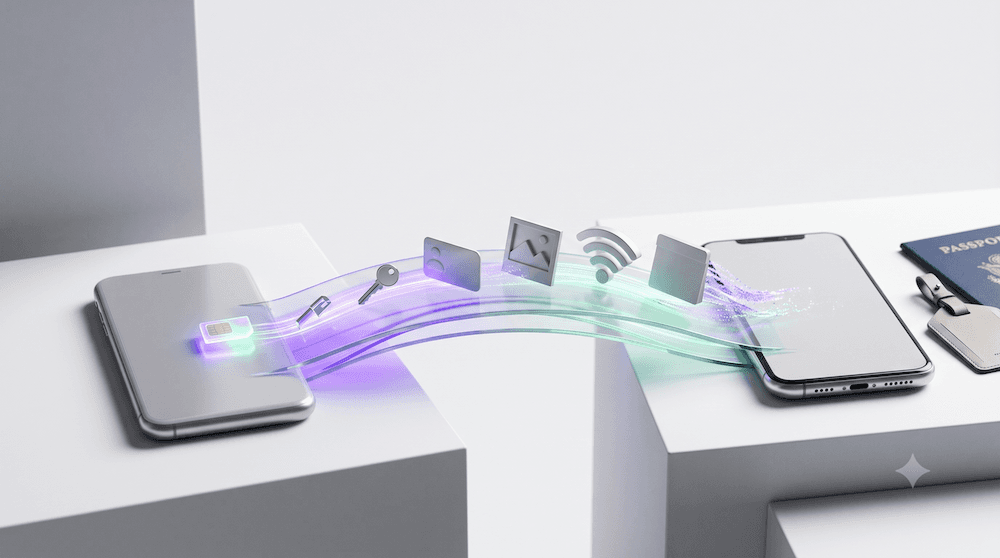
Switching from iPhone to Android has traditionally meant more than buying a new phone.
Photos and contacts were relatively easy to move, but passwords, Wi-Fi networks, accounts, and mobile connectivity often required additional setup.
Android 17 is changing that.
Google's new built-in migration experience is designed to transfer significantly more information directly from an iPhone to a supported Android device, including something particularly important for connected travelers: eSIM information.
The change represents another major step toward making eSIM a truly portable part of our digital lives.
Android 17 introduces a more complete wireless migration experience for people switching from iPhone.
Instead of relying on a separate migration app for much of the process, supported devices can transfer more information during initial setup.
The expanded transfer can include:
This means changing operating systems could start feeling much more like simply upgrading your phone.
Moving photos between phones is relatively straightforward.
Mobile connectivity can be more complicated.
When changing devices, users may previously have needed to:
Making eSIM part of the migration process can remove some of that friction.
Instead of thinking about your mobile connection as something tied permanently to one physical device, connectivity is becoming increasingly digital and portable.
On supported devices, the new migration experience is integrated into the initial Android setup.
The general process is designed to be simple:
The goal is to reduce how much information users need to manually recreate after changing phones.
Not necessarily.
This is an important distinction.
Built-in eSIM transfer support does not mean every eSIM from every provider can automatically move between every iPhone and Android device.
Whether an eSIM can be transferred may still depend on:
Carrier eSIMs and travel eSIMs can also follow different rules.
Understanding the difference becomes especially important when changing phones.
A carrier eSIM is typically connected to your primary mobile subscription.
It may include:
If your carrier supports the new migration system, moving that line between supported devices may become significantly easier.
A travel eSIM such as Figabytes is generally installed specifically to provide mobile data during a trip.
Travel eSIM profiles may have different installation and transfer rules.
Some profiles can be associated with the device where they were originally installed and should not be deleted or moved without first checking the provider's instructions.
If you are changing phones while you have an active Figabytes eSIM, check your plan details or contact support before deleting the profile from your old device.
Travelers increasingly keep several types of connectivity on one phone.
A typical setup might include:
As smartphones become digital wallets for multiple mobile profiles, changing devices needs to become easier too.
Android 17 points toward a future where connectivity moves more naturally with the user.
If you are upgrading from iPhone to Android shortly before traveling, do not immediately erase your old phone.
First check:
Only erase your old device after confirming that everything you need is working correctly.
If you already have Figabytes installed and decide to change phones, treat the travel eSIM separately from your general phone migration.
Do not assume that moving your photos, passwords, and carrier line automatically moves your Figabytes profile too.
Before deleting anything:
This is especially important because some travel eSIM profiles may not be reusable after deletion.
This Android 17 update represents something larger than a phone migration feature.
The mobile industry is gradually removing many of the barriers that once made switching devices and ecosystems difficult.
We are moving toward:
For consumers, this means greater freedom to choose devices without worrying as much about rebuilding their entire digital setup.
Even as eSIM transfers become smarter, preparation still matters.
Before changing devices:
A few minutes of preparation can prevent losing access to connectivity when you need it most.
Android 17 is making the jump from iPhone to Android significantly more seamless.
By expanding migration beyond photos and contacts to include passwords, Wi-Fi credentials, accounts, and supported eSIM information, changing ecosystems could become much less complicated.
For travelers, eSIM portability is particularly important.
Your mobile connectivity is becoming part of your digital identity, something that should move with you as easily as your contacts, photos, and passwords.
As Apple, Google, carriers, and eSIM providers continue improving portability, switching phones should eventually become less about rebuilding everything and more about simply picking up where you left off.
Planning a new phone and a new trip? Explore Figabytes travel eSIM plans and prepare your connectivity before you leave.

