Published on March 30, 2026
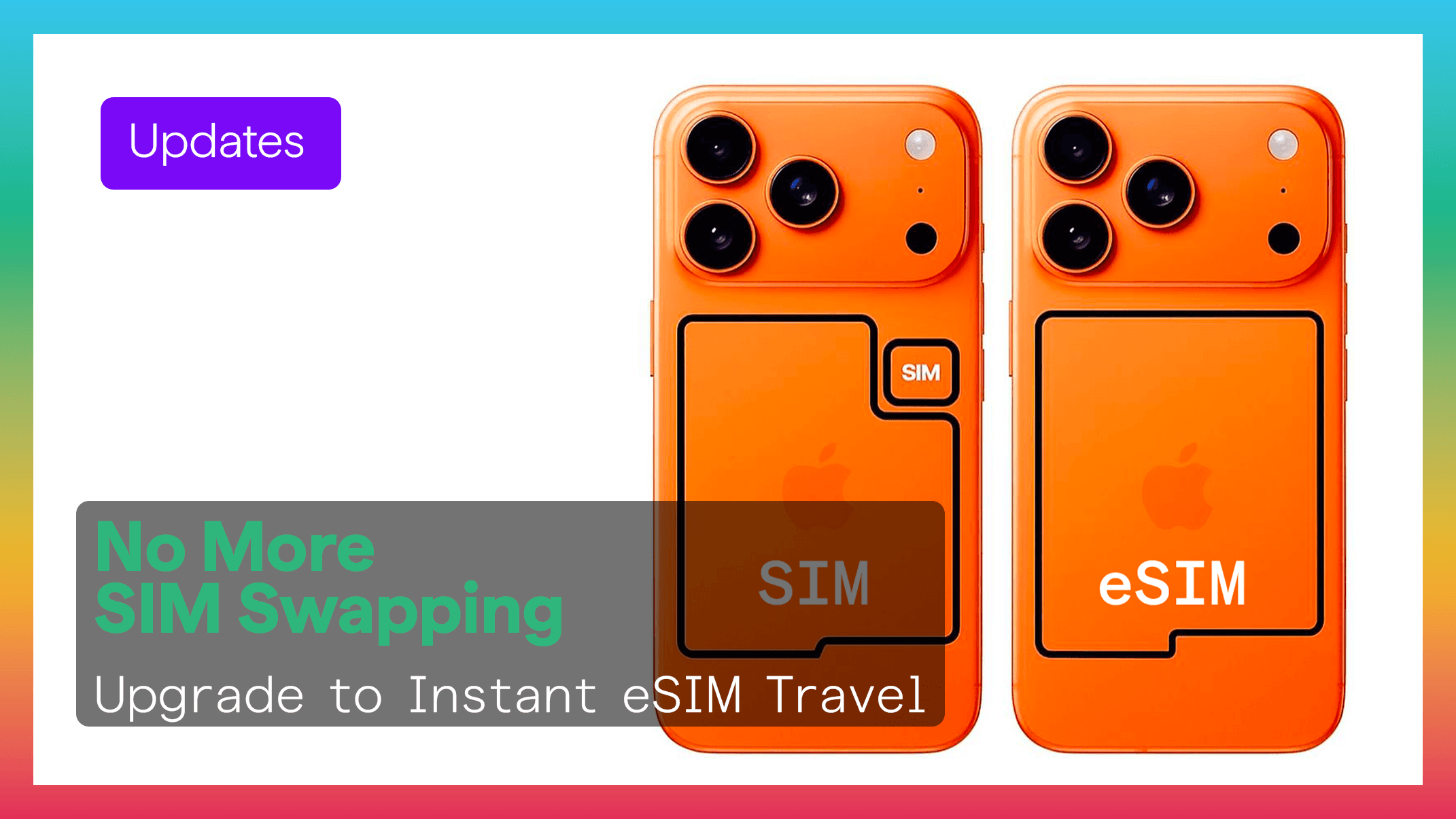
If you still use a physical SIM card in your iPhone, this is a great time to upgrade. eSIM gives you a faster, safer, and more flexible way to stay connected whether you are at home or traveling abroad.
Apple continues to expand eSIM support across newer iPhone models, making digital connectivity easier than ever.
On most iPhone models, the SIM tray is located on the right side of the device.
Use the SIM eject tool included with your iPhone.
If you no longer have it, a paperclip can work as well.
Press gently until the tray pops out.
Carefully pull out the tray and remove your physical SIM card.
Slide the tray back into place.
Your iPhone is now ready for a digital eSIM setup.
Removing the SIM card is only the first step. The real upgrade is switching to eSIM.
With a Figabytes eSIM, you can activate a mobile plan in minutes.
Simply scan a QR code or use an activation link.
Physical SIM cards can be:
An eSIM stays built into your phone, giving you extra protection.
Travelers no longer need to search for local SIM card shops after landing.
With Figabytes:
Explore plans: https://figabytes.com
Many iPhones support multiple eSIM profiles, allowing you to keep:
You can switch between them easily in your settings.
Apple is moving toward a SIM-free future.
Examples include:
Switching now helps prepare you for what comes next.
Newer iOS versions allow iPhones to:
Your iPhone becomes smarter about staying connected.
Figabytes makes eSIM simple with:
Find your destination: https://figabytes.com
Switching from a physical SIM to eSIM is one of the easiest upgrades iPhone users can make.
You get more flexibility, stronger security, and a better travel experience.
With Figabytes, getting started takes only minutes.