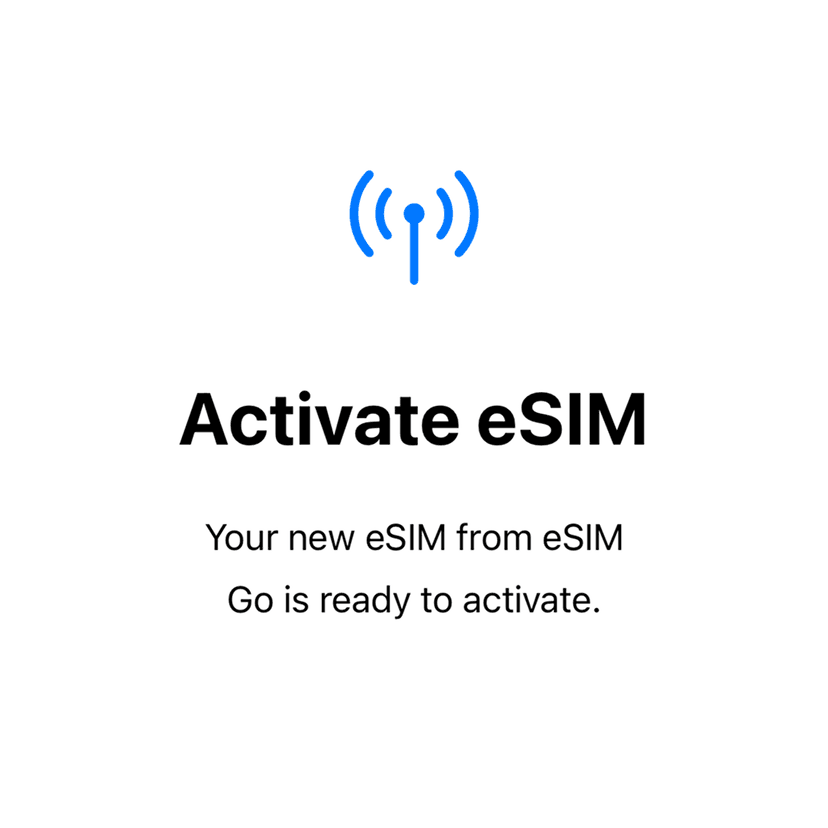
You can install your Figabytes eSIM as soon as you receive it, even if your trip is days or weeks away. Installing early helps ensure a smooth setup and avoids last-minute issues before or after you arrive.
This article explains the best time to install your eSIM, what happens when you install it early, and when your data plan actually starts.
Can I Install My eSIM Before Traveling?
Yes.
You can install your Figabytes eSIM any time after purchase, as long as you have:
An eSIM-compatible device
A stable Wi-Fi connection
Installing early does not usually activate your data plan.
Does Installation Start My Data Plan?
No.
Installing your eSIM does not automatically start your data package.
In most cases, your plan starts only when:
You arrive at your destination, and
Your eSIM connects to a supported local network for the first time
This allows you to prepare ahead without losing validity.
When Should I Install My eSIM?
We recommend installing your eSIM:
At least 24–48 hours before travel
While connected to reliable Wi-Fi
Before leaving your home country
This helps avoid installation issues when you’re on the move.
Should I Turn On the eSIM After Installation?
If you install your eSIM before traveling:
Leave the Figabytes eSIM turned off
Enable it only after you arrive at your destination
Turning it on too early may cause the plan to start sooner than expected for some plans.
What Happens If I Install My eSIM After Arrival?
You can also install your eSIM after landing, as long as you have:
Access to Wi-Fi
Enough time to complete the setup
However, installing after arrival may be less convenient, especially if Wi-Fi is limited.
Important Things to Remember
Installation and activation are two different steps
Installing early does not usually affect validity
Keeping the eSIM turned off helps control activation timing
You need Wi-Fi to install an eSIM
Need Help With Installation Timing?
If you’re unsure when to install your Figabytes eSIM or want guidance for your specific plan, the Figabytes support team is here to help.