Holiday travel is picking up pace, and whether you’re planning a winter getaway, festive family visit, or year-end adventure abroad, staying connected is more important than ever. Fortunately, global travel eSIM technology has made it easier to access mobile data in hundreds of destinations — without expensive roaming bills or last-minute SIM swaps.
With rapidly expanding eSIM coverage and flexible plans, travelers now enjoy seamless connectivity almost anywhere in the world. And platforms like Figabytes (https://figabytes.com) are designed specifically to keep you online, whether you’re exploring markets in Europe, beaches in Southeast Asia, or snow-covered landscapes in North America.
🌍 Why eSIMs Are Ideal for Holiday Travel
Before eSIMs, travelers had to search for local SIM cards at airports or risk costly roaming add-ons from their home carriers. Now, digital SIM profiles make global connectivity simpler and more affordable.
1. Instant Setup Before You Fly
With Figabytes, you can install your travel plan on your phone before departure. Once you land, you’re ready to use data instantly — no physical card or counter queues.
2. Coverage in 200+ Destinations
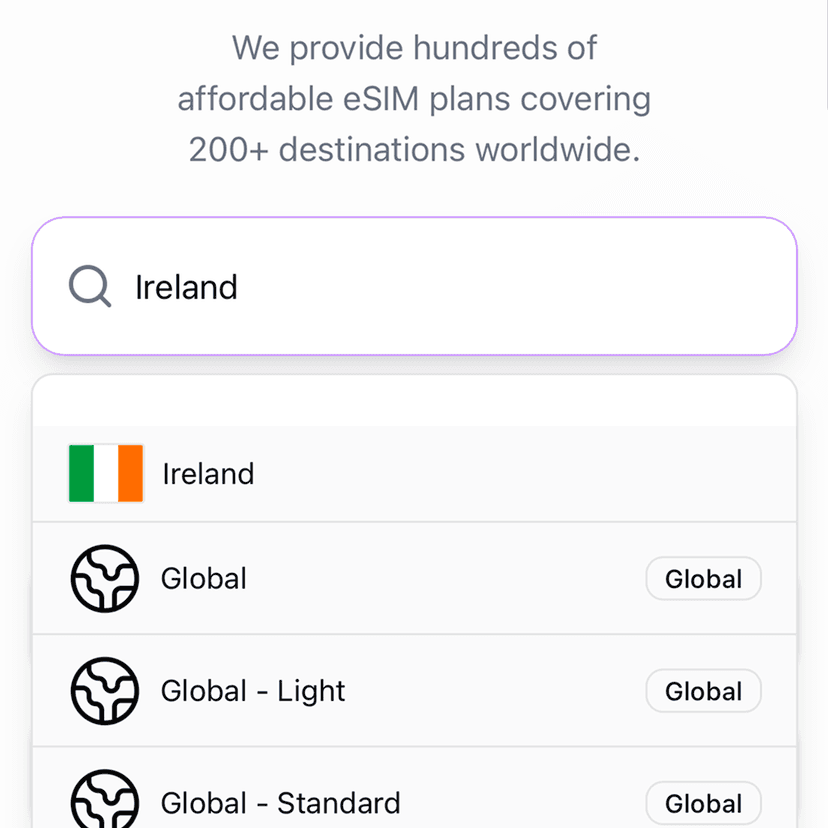
Modern eSIM providers support plans across extremely diverse regions. Figabytes offers data for 190+ countries and regional bundles so you can stay online in multiple places during a single trip.
3. Cost-Effective Data vs International Roaming
Traditional roaming fees can quickly pile up during a long holiday. With eSIMs, you choose data plans with clear pricing and no hidden costs, helping you avoid bill shock after your trip.
4. Keep Your Home Line Active
Unlike physical SIM swaps, eSIMs let you run travel data alongside your home number — perfect for receiving texts, two-factor codes, and calls without interruption.
5. Supports Modern Devices
Most iPhones (including the latest iPhone 17 series) and many Android models now support eSIM. Some flagship phones are fully eSIM-only, underscoring how digital SIMs are becoming the norm.
📱 How to Stay Connected With Figabytes This Festive Season
Setting up and using your Figabytes eSIM is straightforward:
Visit Figabytes.com
Choose your destination or region plan
Purchase the eSIM online
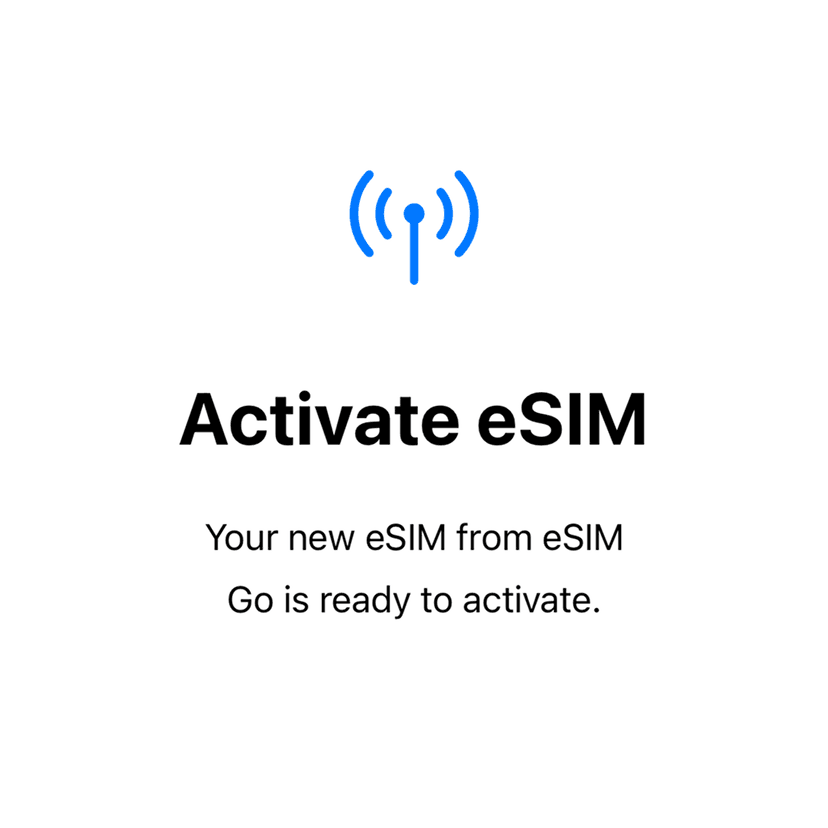
Install on your phone using the QR code or activation link
Turn on data roaming upon arrival
This setup works across iOS and Android devices and keeps you connected as soon as your flight touches down.
🎁 Tips for Festive Travel Data Use
Pre-download maps and tickets — Before boarding, connect to Wi-Fi and download essential travel files.
Monitor your data usage — Check your remaining data in the Figabytes dashboard to avoid running out.
Use local perks — Some plans offer regional roaming in nearby countries, ideal for holiday hop itineraries.
🧭 The Convenience Factor
During peak travel seasons, lines at SIM kiosks can be long and confusing. eSIMs remove that entirely. With a Figabytes eSIM:
No physical swaps. No roaming fees. Just reliable mobile data wherever you go.
🎉 Bottom Line
As festive travel surges, don’t let connectivity worries slow you down. Whether you’re texting family overseas, navigating markets abroad, or sharing memories on social media, eSIM travel plans make staying connected effortless.
With Figabytes, you have a global data solution ready whenever your journey begins.
Explore global and regional plans here:
👉 https://figabytes.com